appducate - archive memorial
AppDucate logo

AppDucate

A preserved snapshot of my WordPress blog — a help site for Mac and iOS users that published 112 tutorials between 2012 and 2014, drew millions of page views over its lifetime, and stayed online until the site was officially shut down in 2022.

by Damien posts 2012 – 2014 shut down 2022 archived 2026
AppDucate logo
// appducate logo · designed in pixelmator

about the blog

What AppDucate was — educating the Mac and iOS user

AppDucate was a WordPress blog I launched in 2012 to help people get more out of their Apple devices. The tagline put it simply: educating the Mac and iOS user. All 112 articles were published between 2012 and 2014 — the site then remained live for years afterward before being officially shut down in 2022.

Over its lifetime the blog accumulated millions of page views. Readers came for jailbreak walkthroughs, Mavericks install guides, iTunes and iCloud tutorials, app reviews, and the kind of practical how-tos that search engines kept sending traffic to long after publishing slowed.

Every featured image was designed in Pixelmator on Mac. I wrote the vast majority of posts myself, with a few guest contributions from Vishal Chaudhary and Iain Bryce along the way.

This page is a memorial archive — not a live blog. Original posts live in the Wayback Machine. The graphics and article index here preserve what the site was at its peak.

  • Articles 112 posts published 2012–2014 across Mac, iOS, jailbreak guides, and quick tips.
  • Reach Millions of page views over the site's lifetime — long after the last new post went up.
  • Graphics Custom Pixelmator artwork for every major post and tutorial.

author & social

Who built AppDucate, and what happened to the site

Damien profile

Damien

I started AppDucate in 2012 while learning the Mac and iOS ecosystem — writing practical how-tos for everyday users. I wrote the vast majority of the articles and designed every featured image in Pixelmator — backups, syncing, settings tweaks, app reviews, and troubleshooting guides people kept finding years after they were published.

@Damien_Ducate →
AppDucate logo

AppDucate.com

The live site at appducate.com ran from 2012 until it was shut down in 2022. New articles stopped in 2014, but the archive kept serving millions of page views. The full 112-post index, monthly archives, and every original tutorial remain browsable on the Wayback Machine.

browse full archive on wayback →

// shut down 2022 · memorial preserved here

mac guides

42 tutorials — Mavericks, Finder, iTunes, hardware, and Mac app reviews

How to Edit and Sign PDF files on Mac in Preview

How to Edit and Sign PDF files on Mac in Preview

Have you ever had to deal with a company who emails you a form to fill out and sign? Usually the documents they send are in the PDF format. It’s very easy to sign these forms and email them right back, without having a s

read on wayback →
Top 5 Useful Underused and Unknown Mac Keyboard Shortcuts

Top 5 Useful Underused and Unknown Mac Keyboard Shortcuts

Mac OS X has many hidden or commonly unknown keyboard shortcuts. They really shouldn’t be unknown to the majority of people that use Mac, since they are so incredibly useful and time saving.

read on wayback →
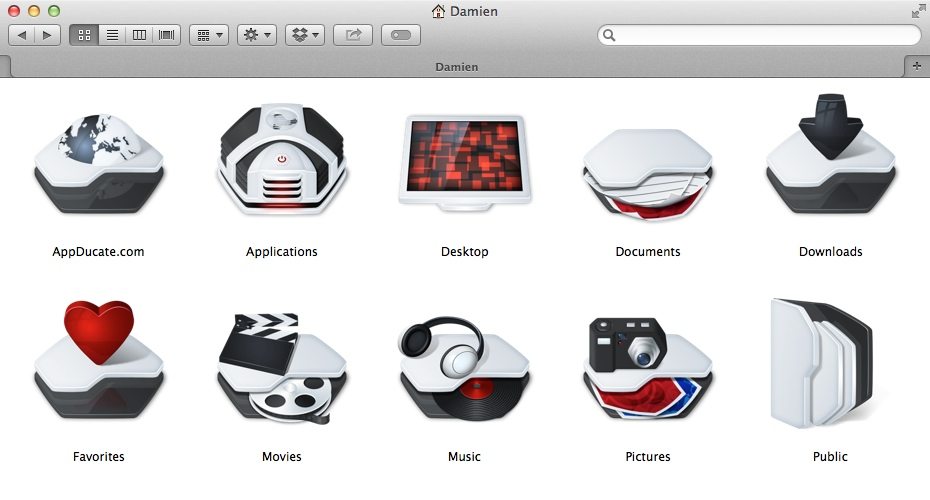
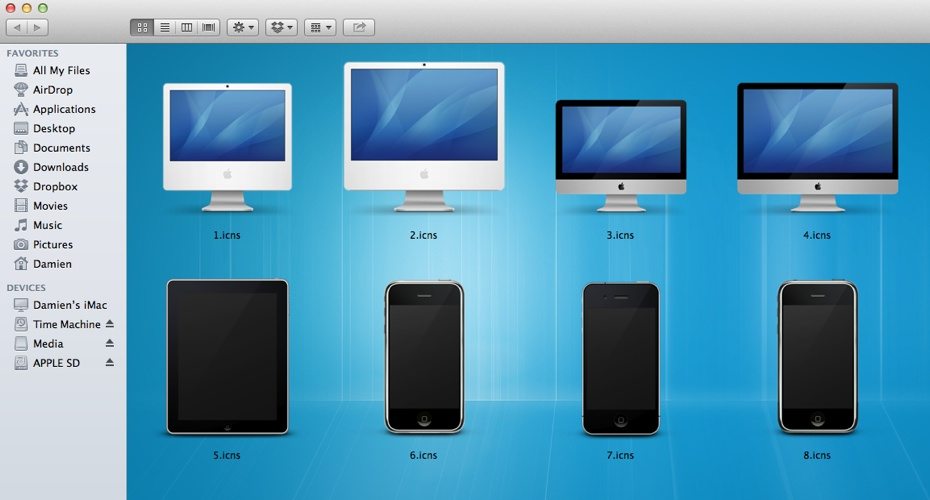
How to Change Mac Folder, File, Application and Dock Icons

How to Change Mac Folder, File, Application and Dock Icons

There’s no doubt that the default icons used throughout Mac OS X are indeed very eye pleasing. However looking at the same icons for months or years on end can get repetitive and old. In this article we’ll go over a few

read on wayback →
iFlicks 2 Review – Best way to Convert Videos to iTunes

iFlicks 2 Review – Best way to Convert Videos to iTunes

iFlicks, if you’re not already aware, is an awesome app that gets video artwork as well as meta data and then converts and imports your videos to iTunes. Way back when I first started this website, I did a review of iFli

read on wayback →
How to Scan and Identify Hardware Issues in Mac OS X

How to Scan and Identify Hardware Issues in Mac OS X

If you’re having issues with your computer lagging, freezing or just plain being sluggish it may be a hardware issue. For instance when your hard drive starts to go, you may notice apps that used to just take a second to

read on wayback →
OS X Mavericks – Reporting First Hand Experience

OS X Mavericks – Reporting First Hand Experience

Mavericks was just recently released and hopefully all of us have installed this free version of OS X on our Macs. Once installed, it always fun to explore the new updates and features. Let’s check out what Maverick has

read on wayback →
Easily Create a Mavericks Install USB drive with DiskMaker X

Easily Create a Mavericks Install USB drive with DiskMaker X

In previous articles I went through a lengthy method of creating a USB drive that could be used to install OS X Mavericks as well as a method that utilizes a simple Terminal command.

read on wayback →
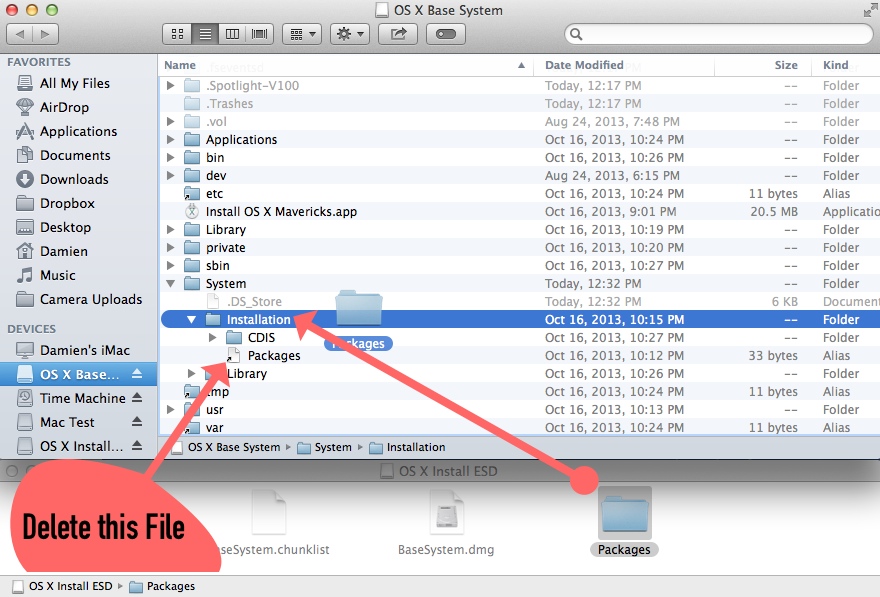
How to Install OS X Mavericks from USB Flash Drive

How to Install OS X Mavericks from USB Flash Drive

Mavericks is the latest Mac operating system released by Apple. There are a few reasons why you may desire to install Mavericks from a USB Flash drive. Having it on a USB drive can come in really handy if you have to ins

read on wayback →
Make Mavericks Install USB with a Simple Terminal Command

Make Mavericks Install USB with a Simple Terminal Command

In a previous post I went through the lengthy method of creating a bootable USB Flash drive that could be used to install OS X Mavericks as well as a really simple solution that involves using an application called DiskM

read on wayback →
How to Re-Index Search Results in Spotlight on Mac OS X

How to Re-Index Search Results in Spotlight on Mac OS X

Occasionally problems can arise with search results in Spotlight. This is caused by the search index getting corrupt. When searching for something, Spotlight doesn’t search every file on your computer, that would take wa

read on wayback →
3 Ways to Easily Batch Resize Images with Automator

3 Ways to Easily Batch Resize Images with Automator

There are many reason to resize images, among those reasons are it saves space and makes uploading go faster. Large images are great for their high resolutions, they aren’t as good when you want to upload your photos to

read on wayback →
10 Basic Things Every New Mac Owner Should Know and Do

10 Basic Things Every New Mac Owner Should Know and Do

I remember getting my first Mac, I was excited and somewhat exhausted. Exhausted because I had just walked up 5 flights of stairs carrying my shiny new 27″ iMac. Never before had I touched a Mac, besides playing around w

read on wayback →
What’s with the .DS_Store file on Mac OS X?

What’s with the .DS_Store file on Mac OS X?

Until a little while ago the .DS_Store file was well hidden from my eyes. During my daily work process, I started to realize this DS_Store file was appearing almost everywhere. Soon its presence became a question of its

read on wayback →
Change the Format & Destination of a Screenshot in Terminal

Change the Format & Destination of a Screenshot in Terminal

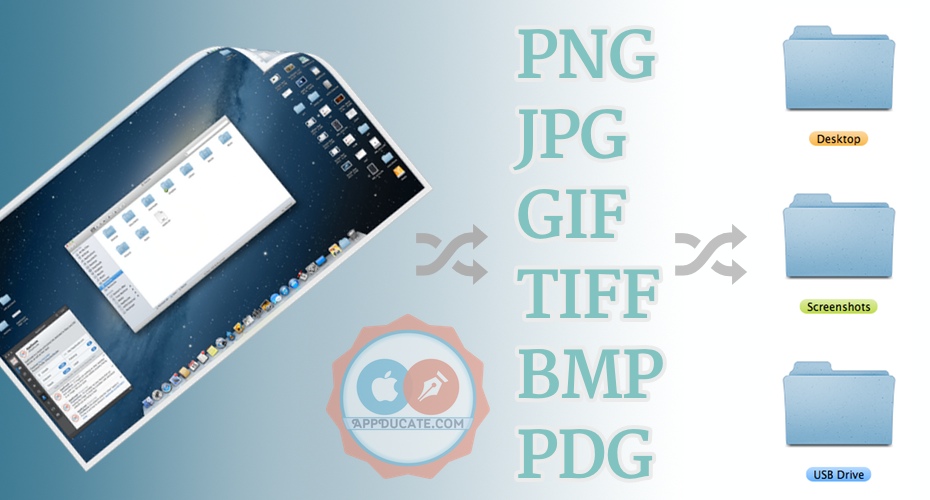
By default OS X saves screenshots in the .png image format. The destination used to save the captured screenshot is by default the Mac Desktop. At times I wondered if I could alter the settings to change the screenshot f

read on wayback →
Easily Compress image file size with ImageOptim

Easily Compress image file size with ImageOptim

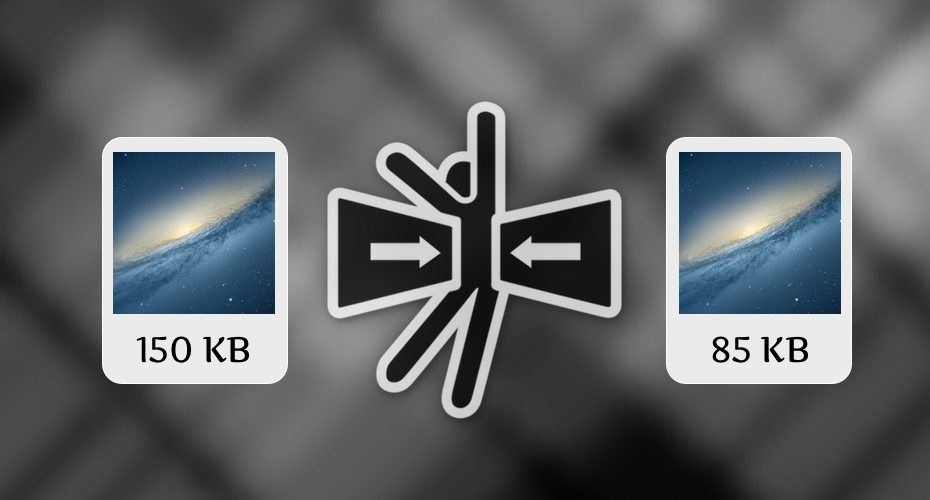
ImageOptim is an awesome open source (free) image optimizer. I recently started using it and wanted to let all you know about it.

read on wayback →
Remove Duplicate Open With (right-click) entries in OS X

Remove Duplicate Open With (right-click) entries in OS X

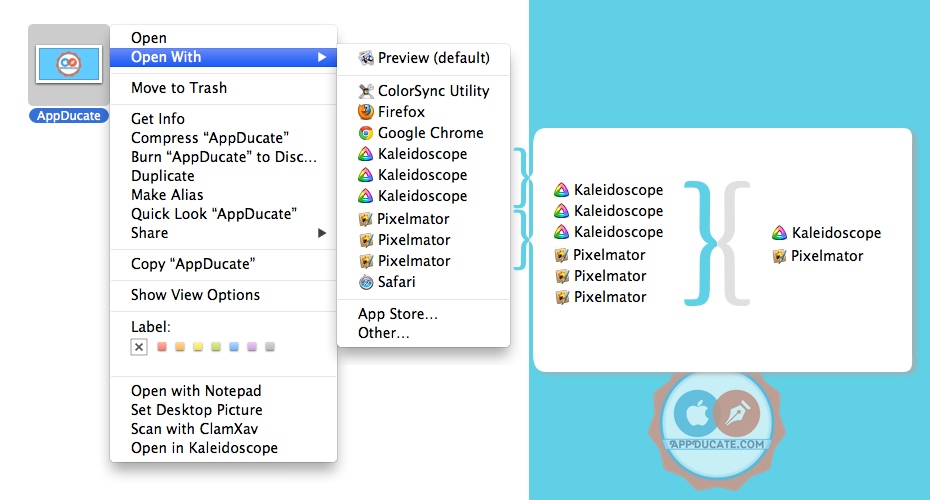
Having multiple duplicates of apps in the “Open With” menu in Mac OS X can get very annoying and quickly make things look messy. This is a problem I run into quite often as I’m constantly installing and uninstalling apps

read on wayback →
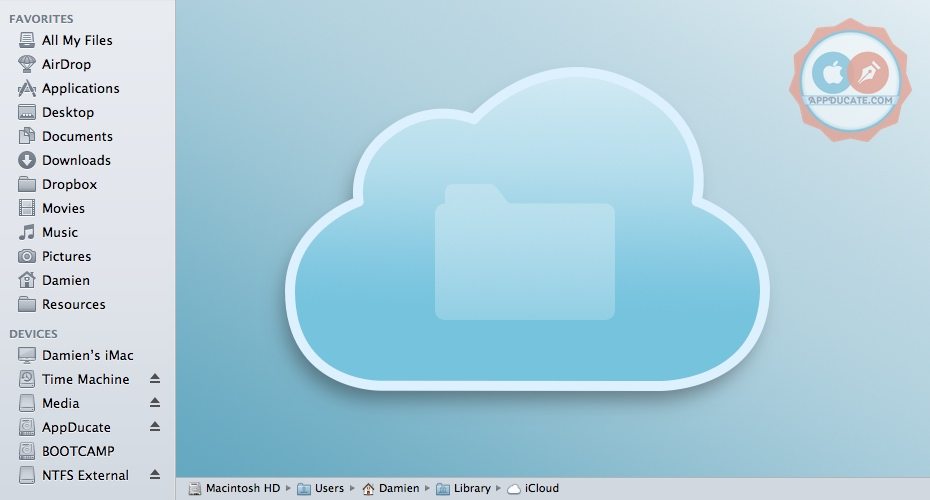
How to browse iCloud files on Mac OS X in Finder

How to browse iCloud files on Mac OS X in Finder

The usual way to manage the file data in iCloud is through the app that is using iCloud to store its files. On a Mac however, you can gain access to the iCloud file system in Finder and manually edit, upload or delete fi

read on wayback →
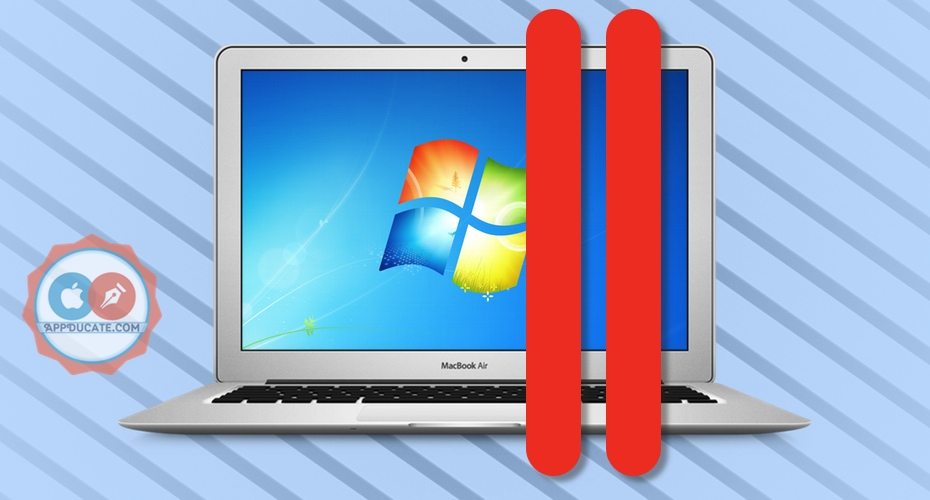
Run all Windows programs on Mac OS X with Parallels

Run all Windows programs on Mac OS X with Parallels

For a lot of people when you mention switching from a PC to a Mac it’s common to hear that they can’t or won’t because PC programs don’t work on Mac OS X. Well that’s not really the case at all.

read on wayback →
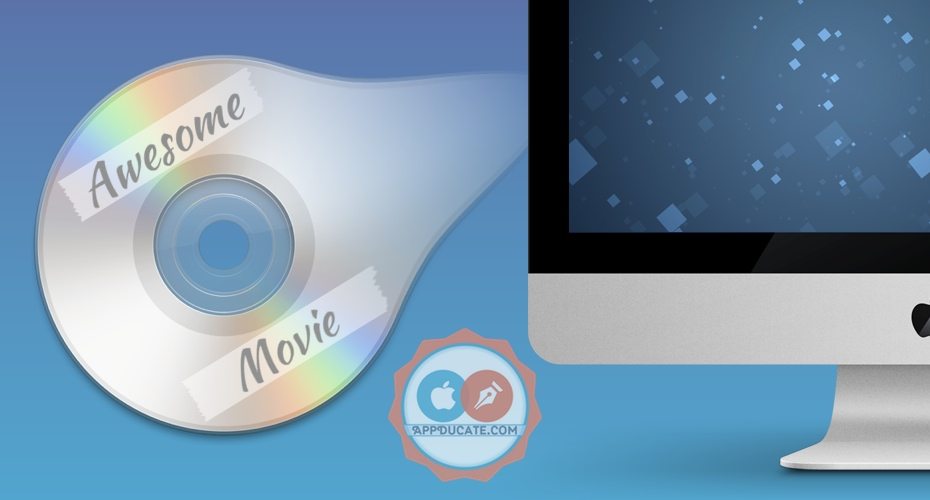
HandBrake: Easily convert DVD to iTunes on a Mac for Free

HandBrake: Easily convert DVD to iTunes on a Mac for Free

So you have an awesome movie in your hands, and you want to play it on your Apple TV, iPad, iPhone and iPod Touch. To get the video from the DVD onto your Mac or iOS device it will have to be converted into an iTunes fri

read on wayback →
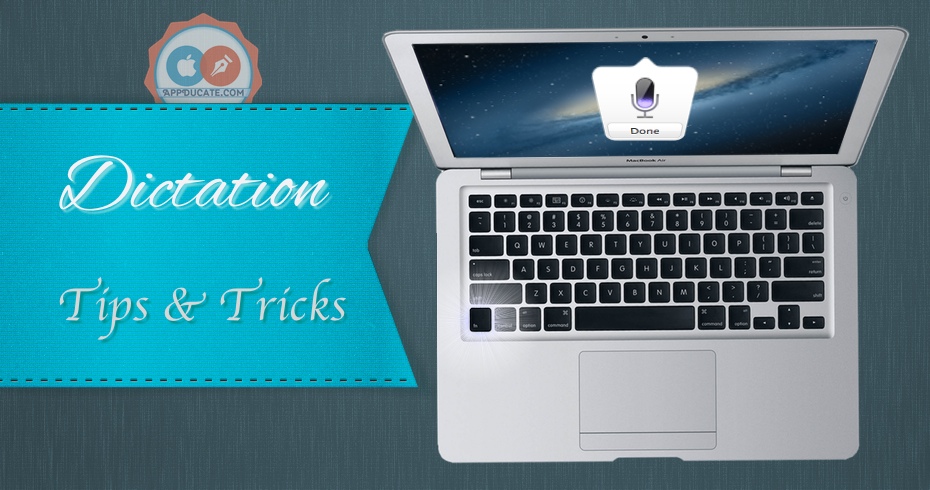
Exploring all the features of Dictation on a Mac

Exploring all the features of Dictation on a Mac

In an earlier post I explained how to enable and use dictation , in this article go over some simple tips and tricks as well as some other features that really bring out the functionality of dictation on a Mac. For those

read on wayback →
How to Install & Run Windows on a Mac with Boot Camp

How to Install & Run Windows on a Mac with Boot Camp

BootCamp Assistant is an application made by Apple that makes it easy to install and run Windows on a Mac. It’s not absolutely necessary to use the BootCamp Assistant however it does somewhat simply the process. It does

read on wayback →
Choosing the best RSS Feed Reader for Mac and Safari

Choosing the best RSS Feed Reader for Mac and Safari

Not everybody uses RSS feed readers the same way. Some want a desktop RSS client, others want a browser extension and others prefer online RSS readers. Because of that it’s difficult to decide which RSS feed reader is th

read on wayback →
How to Password Protect Files and Folders on a Mac

How to Password Protect Files and Folders on a Mac

Want to keep a private folder or password protect some files? There are a few easy ways to password protect your files and folders to keep prying eyes out, and for security. While Macs allow you to create password protec

read on wayback →
How to Format & Repair a Drive with Disk Utility

How to Format & Repair a Drive with Disk Utility

Disk Utility is an App made by Apple that allows you to format and repair your disk drive. Not all drives purchased from an electronics store for instance are properly formatted to work with your Mac. The same goes for d

read on wayback →
Duplicate your Mac with Carbon Copy Cloner

Duplicate your Mac with Carbon Copy Cloner

Need to make an exact copy of your Mac as a backup, or use to setup a new Mac, or even keep your entire computers OS in your pocket? Carbon Copy Cloner takes everything on your Mac and creates an exact duplicate of it.

read on wayback →
How to Convert audio Music Formats to iTunes

How to Convert audio Music Formats to iTunes

There are certain music formats that iTunes and iOS devices can’t play, this does not mean that it can not be converted into a format that it can play. This article will go through a couple of different ways of convertin

read on wayback →
Compress (Zip) Files and Folders on your Mac

Compress (Zip) Files and Folders on your Mac

Compressing (zipping) files does two things, it combines all the selected files/folders into one file as well as minimizes the file size of the original file into a newly created zip file. When emailing photos or sharing

read on wayback →
How to fully uninstall an Application

How to fully uninstall an Application

Deleting an application by simply dragging it into the Trash bin does not remove everything. Left behind are preferences, logs, plist files, caches, and sometimes even the PKG or DMG installer. These left over files are

read on wayback →
How to Show Hidden Files & Folders on Your Mac

How to Show Hidden Files & Folders on Your Mac

Apple hides certain files and folders; this is normally a good thing because tampering with hidden system files could crash your Mac if you don’t know what you’re doing. However certain circumstances require access to th

read on wayback →
Change the Finder background

Change the Finder background

While there is most likely not really any practical reason for changing the Finder background, it is possible to do. If you’re really into customizing your Mac it’s a simple process to add a background image or change th

read on wayback →
Read & write to Windows NTFS partition on Mac

Read & write to Windows NTFS partition on Mac

When I first got my Mac, the very first problem I had was trying to figure out why I couldn’t write anything to my Windows formatted external hard drive. Turns out Macs don’t natively allow writing to a drive that’s form

read on wayback →
How to use the Mac launchpad

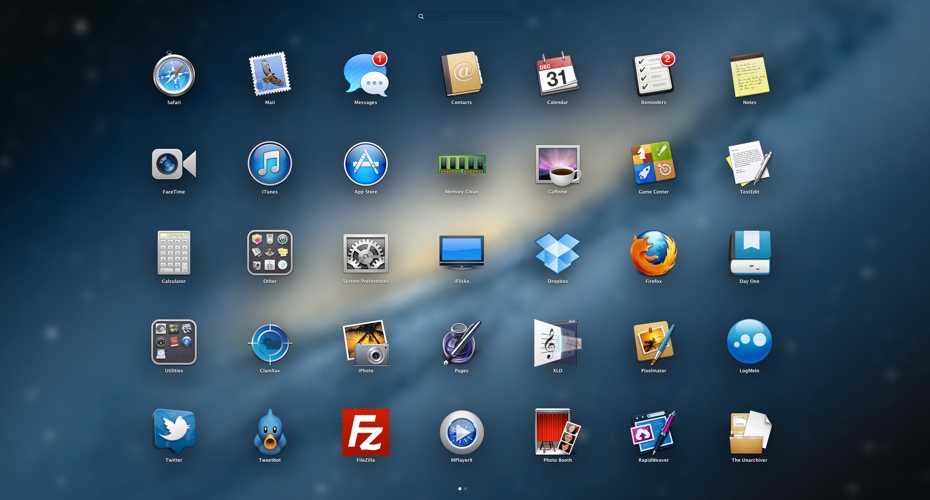
How to use the Mac launchpad

Launchpad lets you see, organize, and easily open your apps.

read on wayback →
How to Download Torrents on a Mac

How to Download Torrents on a Mac

Torrents are great for downloading and sharing files. Unfortunately they get a bad name because they’re usually used for downloading copyright movies, TV shows and other copyright files. It is not illegal to download and

read on wayback →
Install OS X Mountain Lion from USB Flash drive

Install OS X Mountain Lion from USB Flash drive

There are many reasons why you may want to use a USB Flash drive to install Mac OS X Mountain Lion. If you need to install multiple copies on a few computers, or even prefer not to have to download a new copy every time

read on wayback →
iFlicks – best & easiest way to convert media to iTunes

iFlicks – best & easiest way to convert media to iTunes

I’ve tried a lot of different ways to get all my TV Shows and Movies into iTunes, on both Windows and Mac. And there are a lot of different programs that can do it, or at least say that they can. But there are a few that

read on wayback →
Perian lets your Mac play most video formats

Perian lets your Mac play most video formats

Perian had a goal to become the Swiss army knife of video codecs for QuickTime; even though the developers have stopped developing it, saying they attained their goal, it is still a great plugin that I use everyday. With

read on wayback →
Backup your Mac with Time Machine

Backup your Mac with Time Machine

Keeping regular backups of your Mac is one of the most important things that everyone should do. Imagine all your pictures, documents, movies and music, just gone. It’s enough to take your breath away. Trust me, I’ve had

read on wayback →
Take a screenshot of your Mac

Take a screenshot of your Mac

Macs come pre-installed with a very capable utility called Grab, as well as many very useful keyboard shortcuts for capturing screenshots.

read on wayback →
Get iTunes Store Media Artwork

Get iTunes Store Media Artwork

So you have some movies and TV shows you’d like to watch on your Apple TV or sync with your iOS devices. You’ve already converted the video to an iTunes friendly format and placed it in your iTunes library. However it do

read on wayback →
Keep laptop awake even when lid is closed

Keep laptop awake even when lid is closed

Has the fact that you can't keep your laptop from sleeping when you close the lid ever bugged you? NoSleep is a free menu bar app that keeps your Mac awake with the lid closed.

read on wayback →
Enable Dictation on your Mac

Enable Dictation on your Mac

Dictation is a feature included in Mountain Lion which lets you talk to you Mac and have you speech transcribed into text.

read on wayback →
Keep your Mac awake with Caffeine

Keep your Mac awake with Caffeine

Got a project to do or want to stream a movie from iTunes to your Apple TV without it going to sleep on you? Give your Mac an espresso shot and keep it awake until you decide to stop pumping it full of caffeine.

read on wayback →

ios guides

55 tutorials — iPhone, iPad, and iPod walkthroughs, jailbreaks, and iOS settings

Track & Set Alarms for Cellular Data Over Usage on iPhone

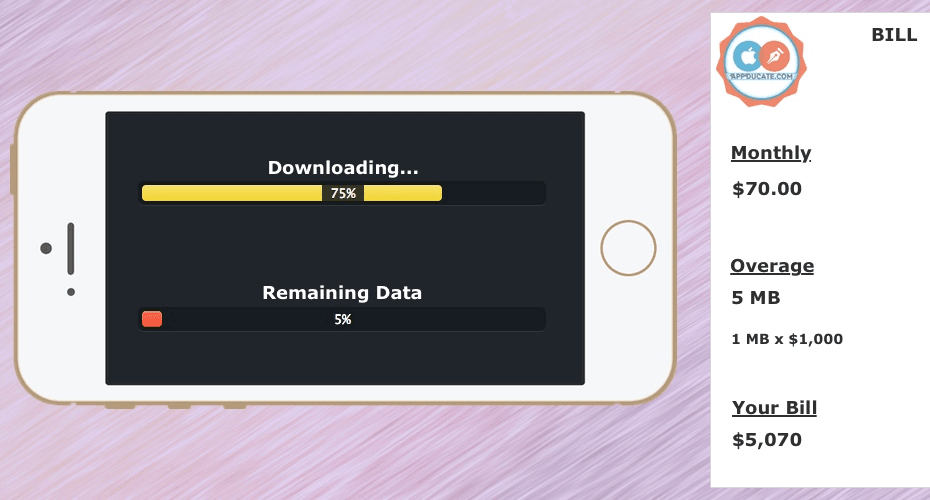
Track & Set Alarms for Cellular Data Over Usage on iPhone

If you’re anything like myself, you dread that time of the month when the cell phone bill comes in. There’s something about paying close to $70 a month for 6 GB’s of data that bothers me. Especially when my computers ISP

read on wayback →
How to Setup iTunes Library Home Sharing for Apple TV

How to Setup iTunes Library Home Sharing for Apple TV

When you buy content from the iTunes store it is accessible from the Apple TV via iCloud without having to connect to your computer. However, when you convert the videos yourself to your iTunes Library those video will r

read on wayback →
Play GameBoy Advance Games on iPhone and iPad

Play GameBoy Advance Games on iPhone and iPad

The Gameboy and Gameboy Advance were/are one of the best handheld gaming consoles ever made, in my opinion. And they were home to some of the best games ever made including Pokemon, Final Fantasy, Mario, Golden Sun and s

read on wayback →
How to JailBreak iOS 7 on iPhone, iPad & iPod

How to JailBreak iOS 7 on iPhone, iPad & iPod

The team at Evad3rs has released the jailbreak software for all devices running iOS 7. For those who’ve never jailbroken their iPhone, iPod or iPad before, jailbreaking opens your device up to a plethora of new features,

read on wayback →
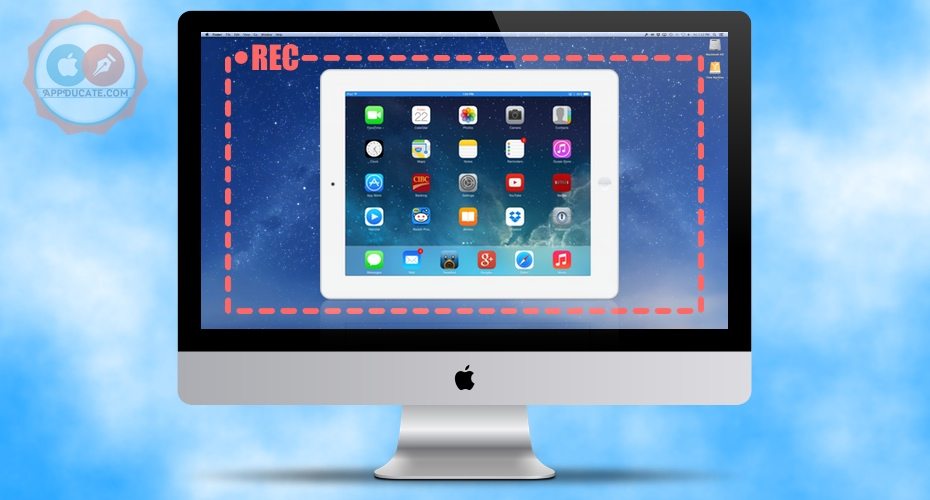
Record iPad, iPhone & iPod Screen on Mac with Airserver

Record iPad, iPhone & iPod Screen on Mac with Airserver

Airplay is an awesome feature that wirelessly sends the screen of your iOS device onto an Apple TV. The one downfall is that it does not support steaming to your computer. That’s where AirServer comes into play. By simpl

read on wayback →
How to Use Nested Folders in iOS 7

How to Use Nested Folders in iOS 7

Nested folders or (folders within folders) was first discovered during the beta testing of iOS 7. It’s the ability to put a folder into another folder on the iPhone, iPad and iPod touch.

read on wayback →
How to Create & Use Custom Vibrations for iPhone

How to Create & Use Custom Vibrations for iPhone

Anyone have the problem I have with ghost vibrations? Dictionary definition of Ghost Vibrations: The feeling of a phone vibrating in one’s pocket, without actually vibrating. Usually causing one to check phone, followed

read on wayback →
10 Basic Things Every New iOS Owner Should Know and Do

10 Basic Things Every New iOS Owner Should Know and Do

An iOS device is a powerful device that only gets better the more you know about it. iPhones, iPad, and iPod were designed to be easy to use and figure out, and exploring all the features yourself can be one of the best

read on wayback →
Sync Videos without iTunes to an iPhone, iPad & iPod

Sync Videos without iTunes to an iPhone, iPad & iPod

In a previous article I talked about how to sync unconverted videos in iTunes . In this article I’ll go through how to sync videos without having to use iTunes at all.

read on wayback →
Sync Videos via iTunes to iPhone & iPad without Converting

Sync Videos via iTunes to iPhone & iPad without Converting

VLC has for a long time been one of the best video player for computers. Now it’s available on the iPhone, iPad and iPod. VLC became famous because of its ability to play pretty much every video format (also didn’t hurt

read on wayback →
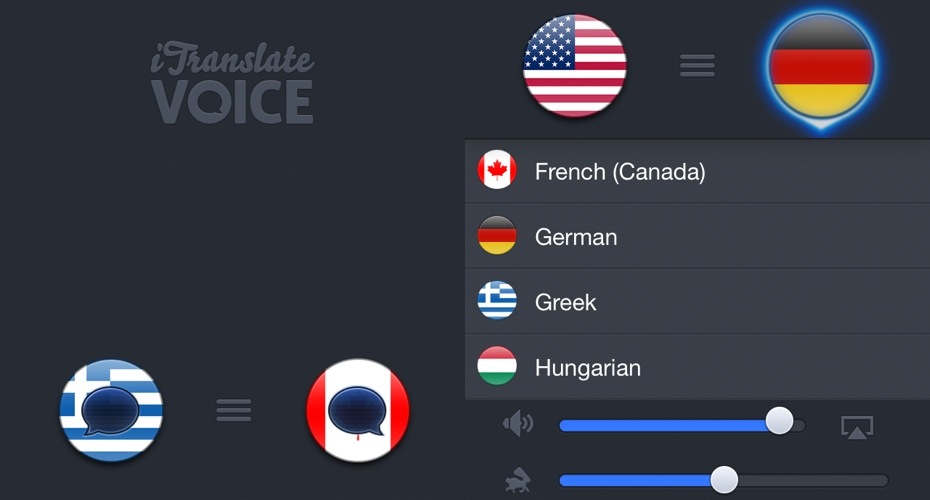
Translate Speech on the fly with iTranslate Voice for iOS

Translate Speech on the fly with iTranslate Voice for iOS

Today I want to talk about an impressive app I recently found out about. It’s called iTranslate Voice. One of my biggest fears about traveling around the world is not being able to speak any other language other than Eng

read on wayback →
How to Change the Volume Limit and EQ settings on iOS

How to Change the Volume Limit and EQ settings on iOS

There are 3 different ways to affect the way that music plays on your iPhone, iPod and iPad.

read on wayback →
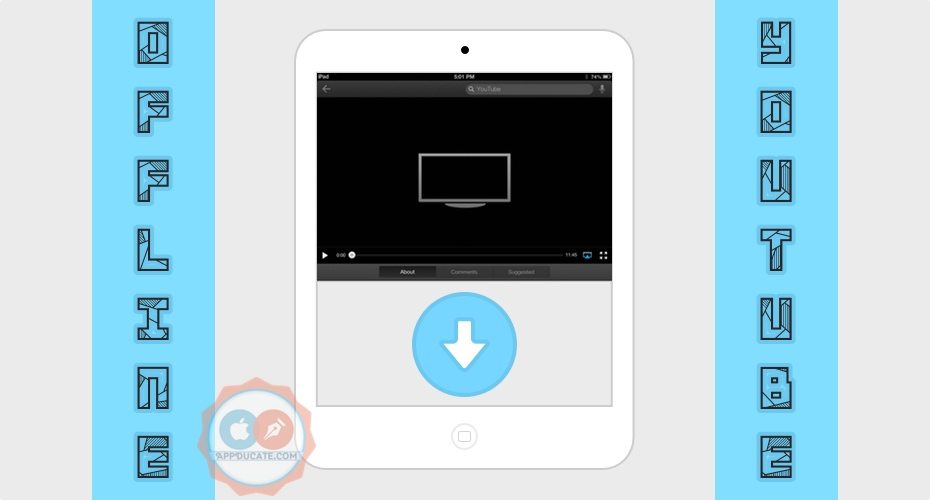
How to Save HQ Youtube Videos for Offline Viewing on iOS

How to Save HQ Youtube Videos for Offline Viewing on iOS

Saving YouTube videos to your iPhone, iPod or iPad for offline viewing is really easy. All you need is an app. The App Store has a few apps that will let you store YouTube videos offline.

read on wayback →
How to enable and use Find My iPhone (or Find My iPad)

How to enable and use Find My iPhone (or Find My iPad)

Enabling the Find My iPhone feature is one of the first things you should do when acquiring a new iOS device. If you’re anything like me, when you can’t find your iPhone a mini heart attack ensues. Instantly going back t

read on wayback →
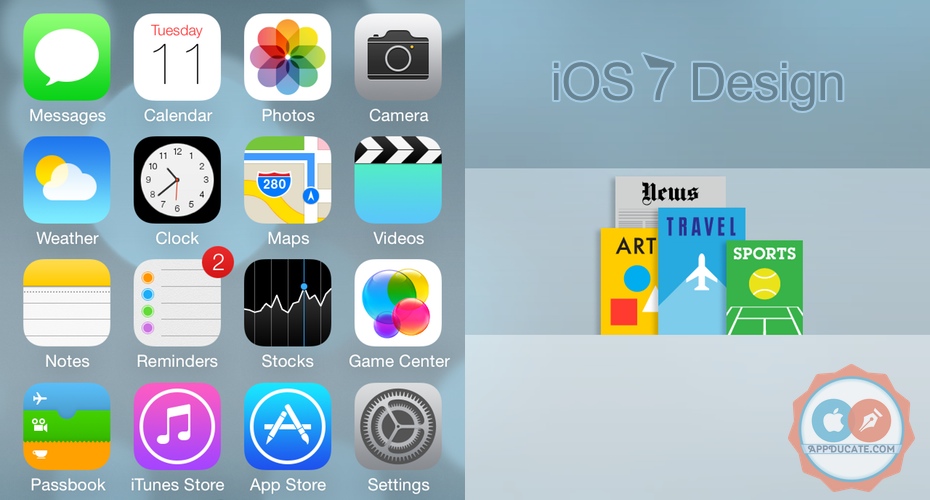
A look at the iOS 7 Design Changes – Lots of Pictures

A look at the iOS 7 Design Changes – Lots of Pictures

iOS 7, the new OS by Apple for your iPhone, iPad and iPod. Currently it’s still in beta and is not going to be released to the public until the fall. However, for those of you who don’t have a Developers Account and aren

read on wayback →
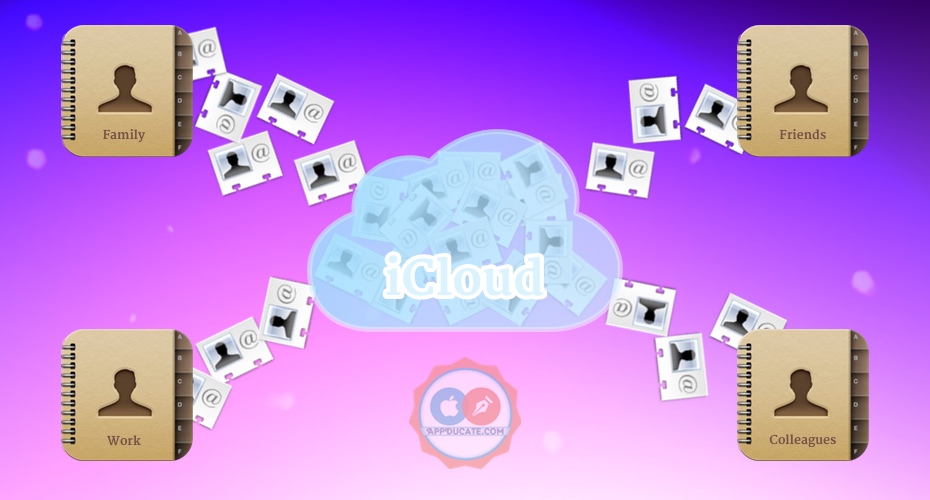
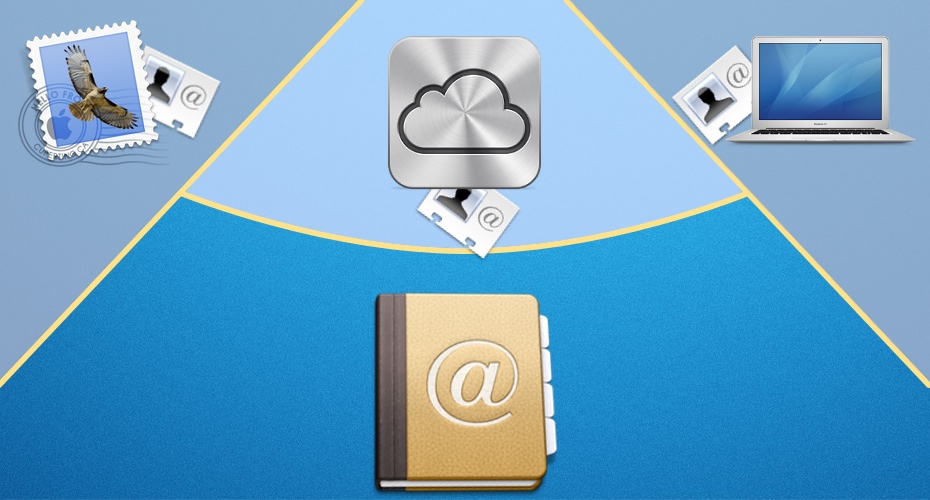
How to Organize iCloud Contacts into Groups

How to Organize iCloud Contacts into Groups

So I received an email asking how to organize contacts into groups. My first thought was, “Oh, this will be simple”. So before I started up a response I picked up my iPad, opened the contacts app fully expecting that App

read on wayback →
How to Speed Up iTunes Sync on an iPhone, iPod and iPad

How to Speed Up iTunes Sync on an iPhone, iPod and iPad

Ever wanted to quickly sync up that new song to your iOS device 2 minutes before you leave for work? I have, and in most cases I have to cancel the sync because… well instead of quickly just syncing my one song, iTunes d

read on wayback →
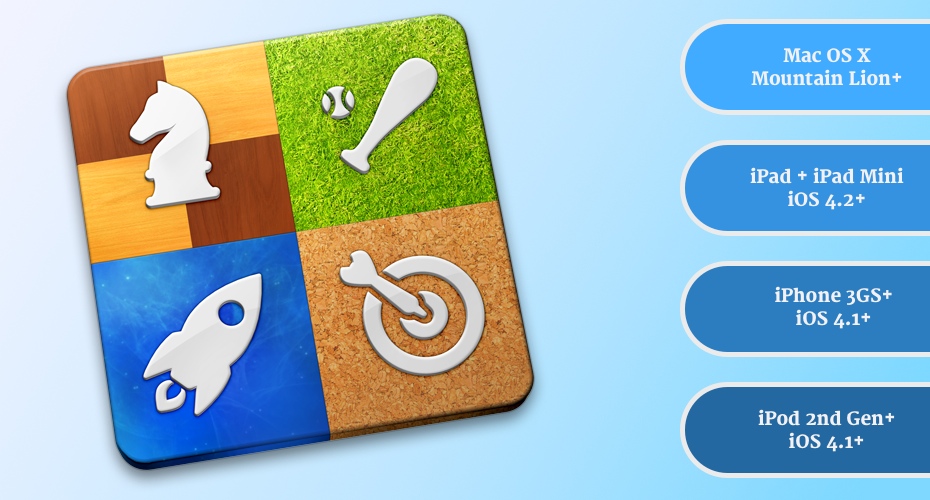
How to Use Game Center on an iOS Device and on a Mac

How to Use Game Center on an iOS Device and on a Mac

Game Center is an app made by Apple that comes pre-installed on all new iPads, iPhones, iPod as well as Macs with Mountain Lion or higher.

read on wayback →
How to Change your App Store and iTunes Store Location

How to Change your App Store and iTunes Store Location

Have you ever gotten a message from the Apple iTunes Store saying:

read on wayback →
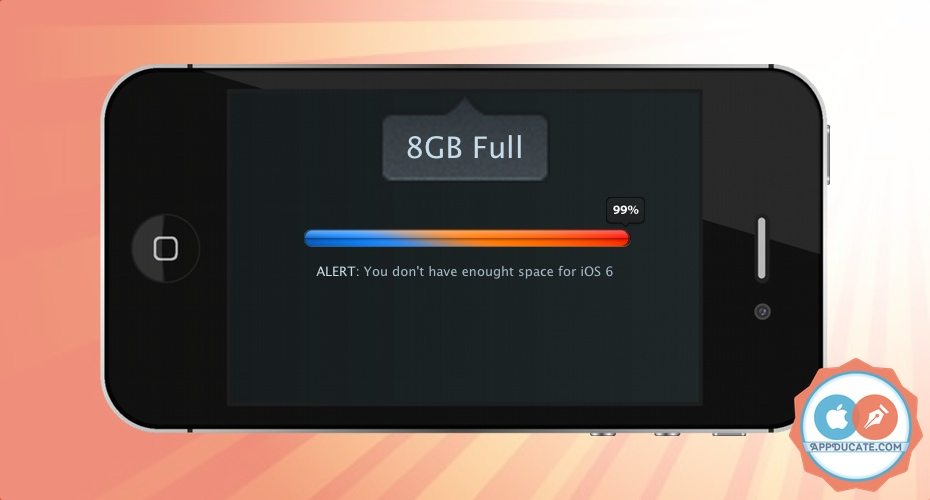
Update to iOS 6 even when there's not enough space

Update to iOS 6 even when there's not enough space

Is your iOS device giving you problems updating saying it doesn’t have enough space to update to iOS 6?

read on wayback →
Understanding and Fully Utilizing the Reminders App

Understanding and Fully Utilizing the Reminders App

Reminders is an app made by Apple that comes pre-installed on Macs with Mountain Lion as well as iPads, iPhones and iPods with iOS 5 and higher. Although it’s a simple app to use there are some features you may not know

read on wayback →
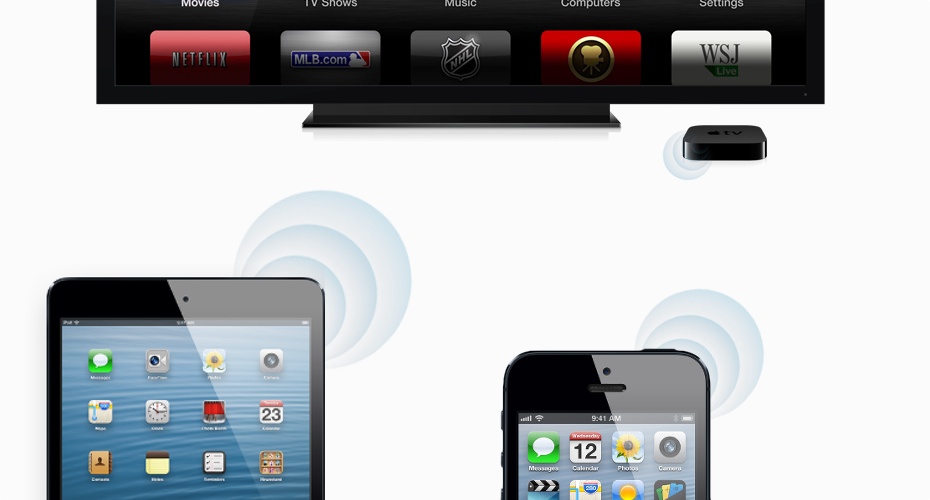
How to use AirPlay with Macs, iOS devices and Apple TVs

How to use AirPlay with Macs, iOS devices and Apple TVs

Have you ever seen the above icon on your Mac or iOS device? That’s the AirPlay icon, it shows up when there is an Apple TV or AirPlay compatible stereo system connected to the same Wi-Fi network. It can be used to mirro

read on wayback →
How to Boot and Run Mac OS X from an iPod Classic

How to Boot and Run Mac OS X from an iPod Classic

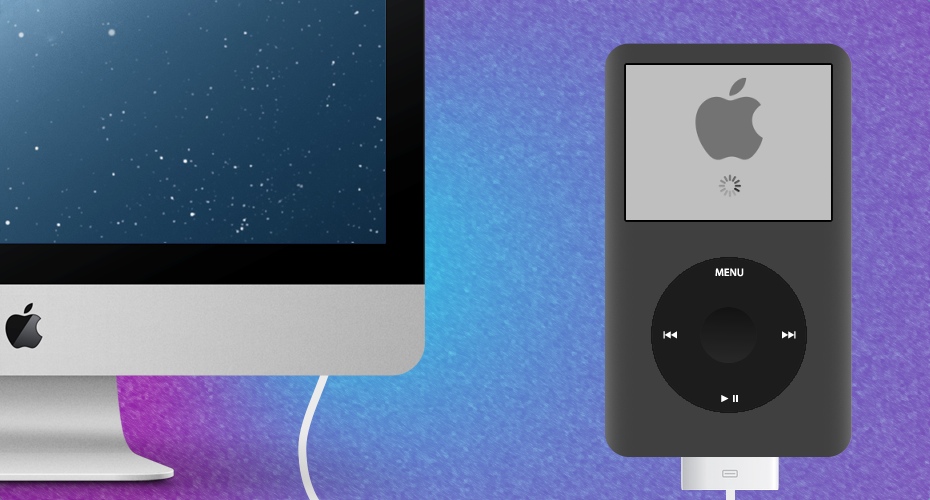
Well this started off as just a test to satisfy my own curiosity. I wasn’t sure if it was possible to boot & run Mac OS X Mountain Lion from my old iPod, so I figured I’d give it a shot and see if it worked. 4 hours late


read on wayback →
Turn your old iPod Classic into a Portable Hard Drive

Turn your old iPod Classic into a Portable Hard Drive

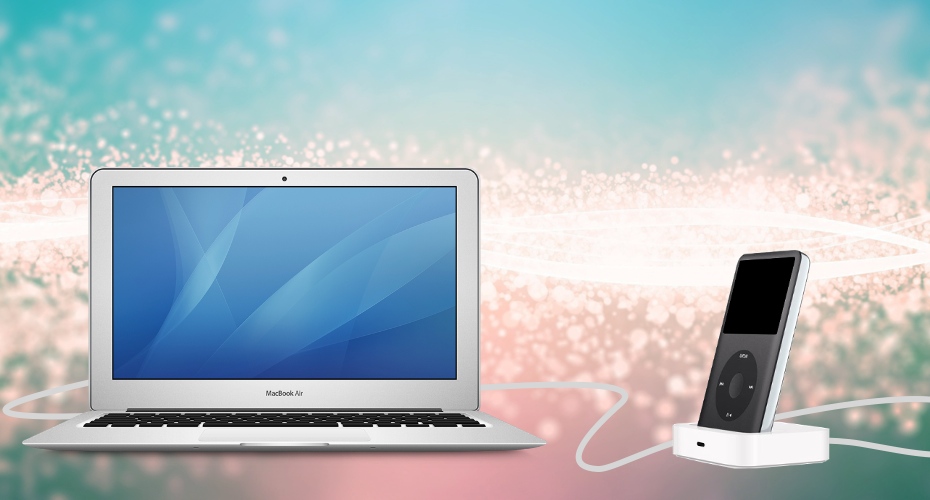
Do you have an old iPod Classic lying around just collecting dust? If so, why not put it to use. Most of the old iPod Classics have a lot of hard drive space, for instance mine is over 7 years old and has a whopping 80GB

read on wayback →
Use 1Password to Create, Manage and Sync Strong Passwords

Use 1Password to Create, Manage and Sync Strong Passwords

What would happen if you only use one password for all your online accounts, and someone got ahold of that password?

read on wayback →
Make and Receive Calls on your iPod and iPad with TextPlus

Make and Receive Calls on your iPod and iPad with TextPlus

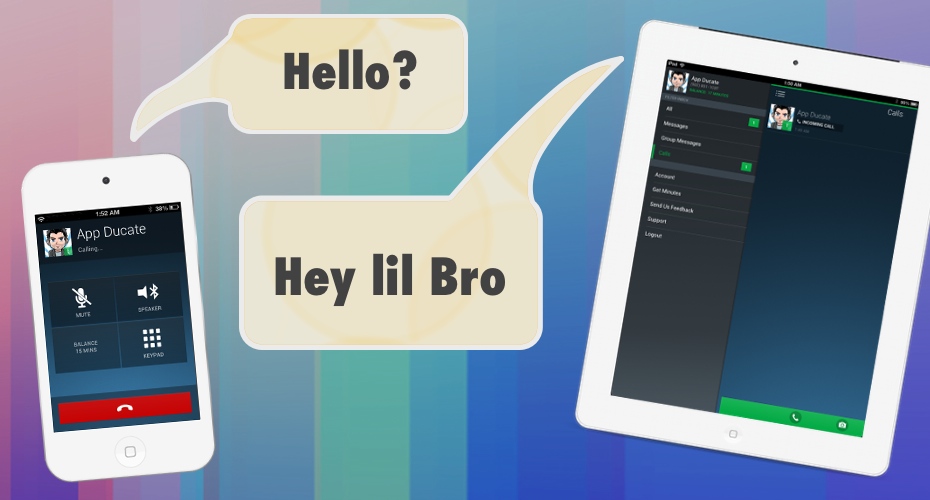
Your first thought may be, “Hey, who are you trying to fool? iPods don’t even have an ear piece like an iPhone, it wasn’t designed to make calls”. Technically that’s true, but iPads and iPods have a microphone, they can

read on wayback →
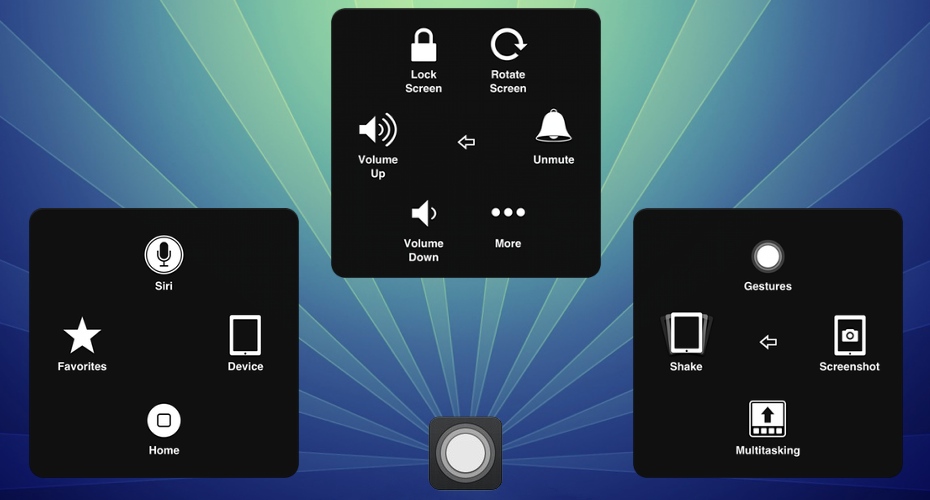
Use AssistiveTouch to Bypass Broken iOS Device Buttons

Use AssistiveTouch to Bypass Broken iOS Device Buttons

AssistiveTouch is an accessibility feature built into all iOS devices with iOS 5 and higher. It aims to enable people with physical impairments or people who find the regular gestures and commands difficult to use. That’

read on wayback →
How to Copy and Export iPhone Contacts

How to Copy and Export iPhone Contacts

Upgrading to a new iPhone or switching to a different device such as an Android phone and want to transfer your contacts? There are a few different ways to move your contacts over. In this article I’ll show you how to co

read on wayback →
How to Improve & Maintain Battery Life on your iOS Device

How to Improve & Maintain Battery Life on your iOS Device

Is the battery life on your iOS Device running out to fast?

read on wayback →
Scan QR codes with your iPhone, iPod Touch and iPad

Scan QR codes with your iPhone, iPod Touch and iPad

You’ve probably seen them before, the little weird-looking squares. These are called QR codes (Quick Response Code) and can be scanned with the camera on your iPhone, iPod and iPad. Well more specifically, an app uses th

read on wayback →
3 ways to create Ringtones from your Music and Videos

3 ways to create Ringtones from your Music and Videos

Want to turn your favorite song into a ringtone for your iPhone or even take a part of a movie and turn it into an alert notification or ringtone? In a previous article I showed you how to change your alerts and ringtone

read on wayback →
How to Successfully update to iOS 6

How to Successfully update to iOS 6

Apple released iOS 6 on September 19, 2012, and with this update came over 200 new features. This included the more popular features like 3D maps and GPS, Facebook integration, panorama pictures, passbook and a better Si

read on wayback →
Change notification sounds on your iPad, iPhone and iPod

Change notification sounds on your iPad, iPhone and iPod

From wanting to differentiate yourself from the crowd, down to wanting to be that annoying person with the loud, long ringtone that that plays every time a text is received, there are a multitude of reasons you may want

read on wayback →
Jailbreak iOS 6 on iPhone 5, iPod, iPad 4 & mini

Jailbreak iOS 6 on iPhone 5, iPod, iPad 4 & mini

It’s finally here, a Jailbreak method for your iPhone, iPod Touch, iPad and iPad mini. This jailbreak supports iOS 6.0 – 6.1.2. This means that your iPhone 3GS, iPhone 4, iPhone 4s, iPhone 5, iPod 4, iPod 5, iPad 2, iPad

read on wayback →
How to clear up iCloud backup space

How to clear up iCloud backup space

iCloud getting a little bloated? If you’re running low on iCloud backup space you can either buy more space from Apple or clear out some of the space already being used.

read on wayback →
Using Reading List & Reader view in Safari

Using Reading List & Reader view in Safari

Reader view in Safari is way of reading an article without being distract by any content other than the content for which you came to the website to read. The Reading List is a way of saving a webpage to read for later,

read on wayback →
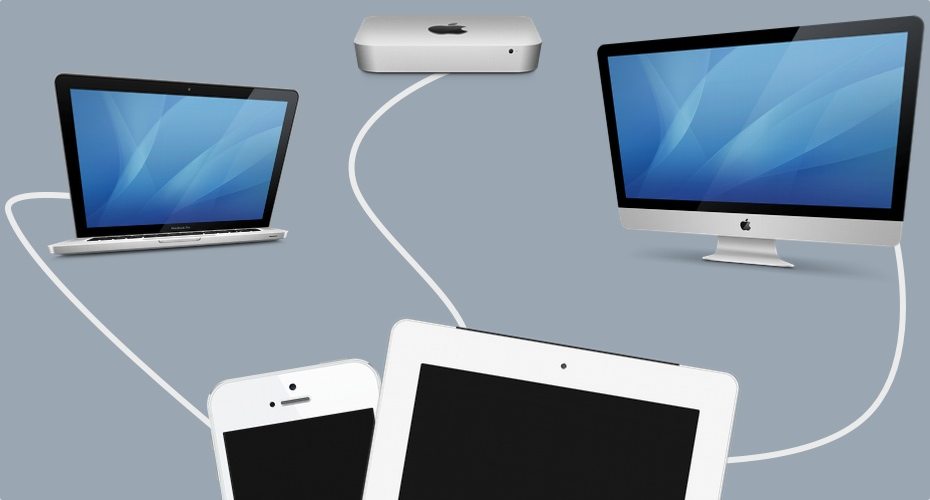
Sync an iOS device to multiple iTunes without Erasing

Sync an iOS device to multiple iTunes without Erasing

Ever tried to sync your iPod, iPhone or iPad to another iTunes library just to be presented with a messages saying that in order to sync, the device it has to be erased? iTunes makes it difficult to sync with multiple li

read on wayback →
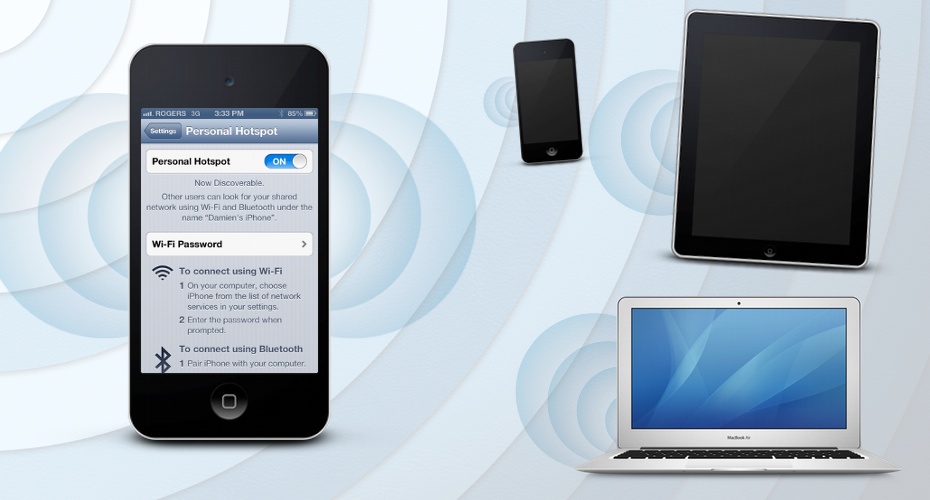
Turn your iPhone and iPad into a Personal Hotspot

Turn your iPhone and iPad into a Personal Hotspot

Turning your iPhone or iPad (with cellular capabilities) into a personal hotspot is a simple and easy way to get Wi-Fi capable or Bluetooth device connected to the internet when no other Wi-Fi access is available. Using

read on wayback →
Using the World Clock on an iOS device

Using the World Clock on an iOS device

If you travel a lot or are simply interesting in knowing the time from around the world, your iOS device makes it very easy to set up. No new app is required to be installed, it is included in the Clock app that comes wi

read on wayback →
2 ways to backup your iPod, iPhone and iPad

2 ways to backup your iPod, iPhone and iPad

Backing up your iOS device is very important. It could be lost, stolen or even just accidentally erased.

read on wayback →
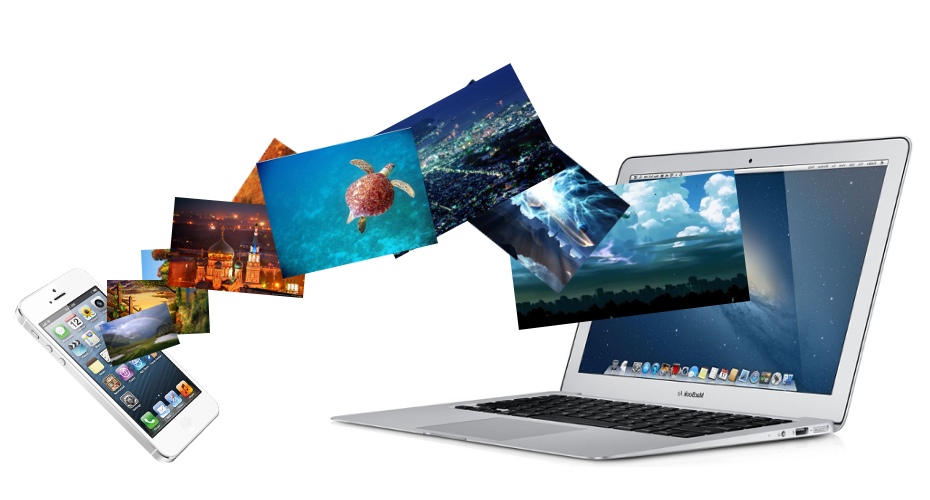
Import Photos from your iPod, iPhone and iPad

Import Photos from your iPod, iPhone and iPad

Since syncing is handled by iTunes one would assume that iTunes also handles getting pictures off the iPod, iPhone and iPad however it does not. There are a few simple and fast ways of importing photos from an iOS device

read on wayback →
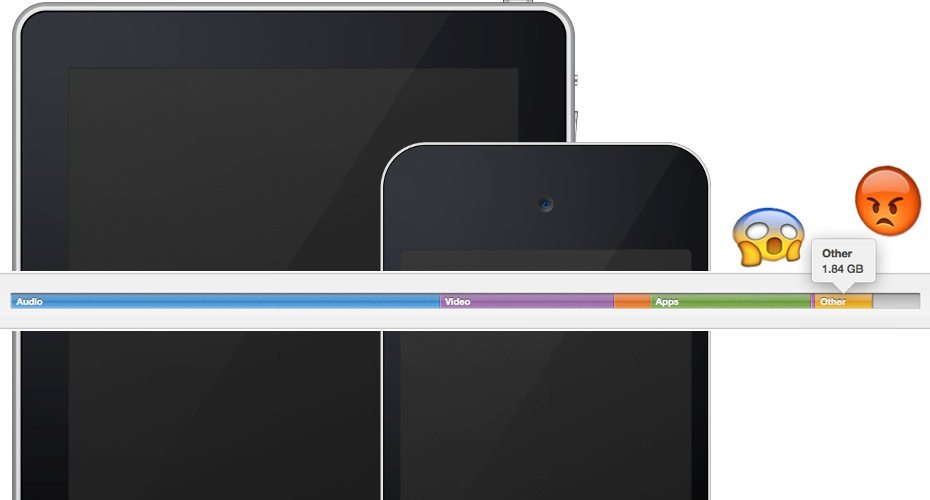
Reclaim "Other" storage space on iPad, iPhone and iPod

Reclaim "Other" storage space on iPad, iPhone and iPod

It’s a very common issue to have a large chunk of space taken up by the “Other” category in an iOS device. This can become very annoying especially when you run out of space and can’t sync your new album. The “Other” cat

read on wayback →
Troubleshoot an iOS device that won't sync in iTunes

Troubleshoot an iOS device that won't sync in iTunes

Its come to my attention that a lot of people are having issues syncing iPads, iPhones and iPods to iTunes. It would seem that even though the device is set up to sync with iTunes correctly, sometimes it just feels like

read on wayback →
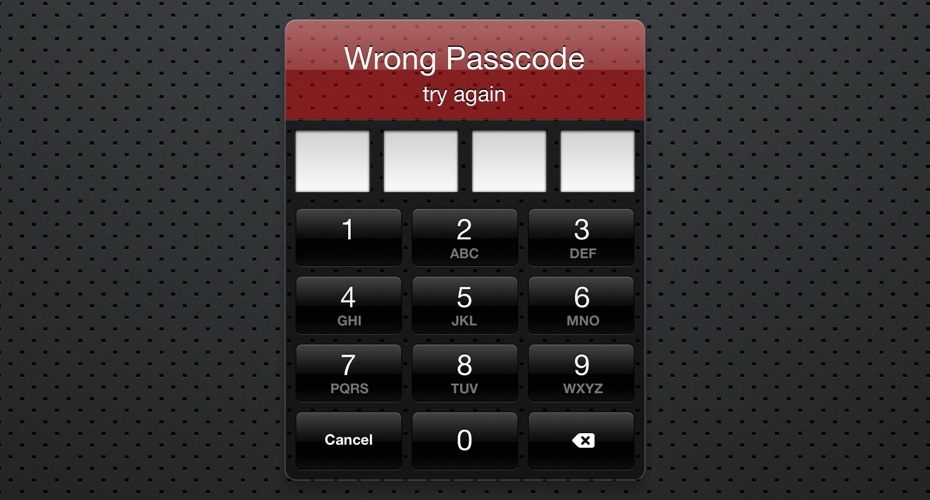
How to unlock iPad, iPhone or iPod if passcode forgotten

How to unlock iPad, iPhone or iPod if passcode forgotten

So you’ve set up a password on your iPad, iPhone or iPod and you’ve forgotten the password. The thing about the passcode is that its pretty strong and can’t simply be unlocked. Hopefully you’ve made regular backups of yo

read on wayback →
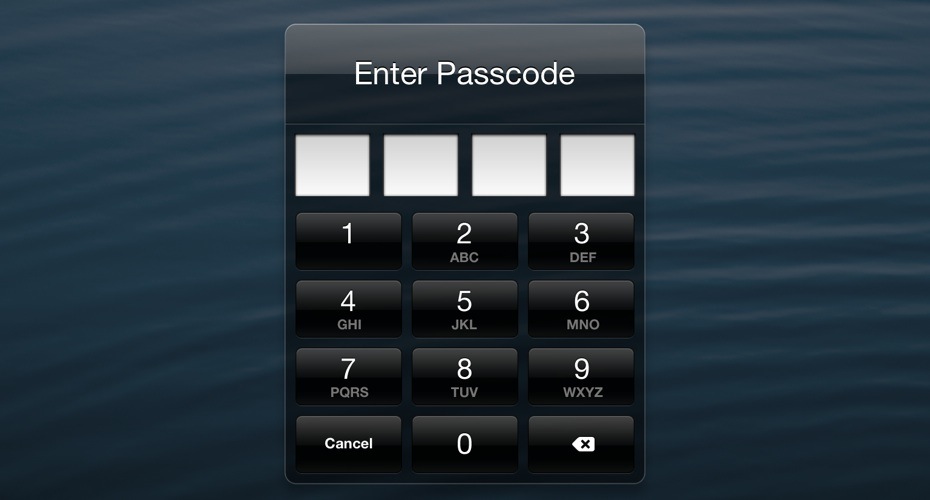
Password protect your iPad, iPhone and iPod

Password protect your iPad, iPhone and iPod

Setting up a password on your iOS device is important if you keep a lot of personal information on your device. If you loose your iPhone, whoever picks it up has access to all that information. Also helps against your li

read on wayback →
Copy music from your iPad, iPhone or iPod to your Mac

Copy music from your iPad, iPhone or iPod to your Mac

Copying the contents of your iOS device to your Mac should not be a difficult task, and yet it is. In this tutorial I’m going to show you a simple no-nonsense way to simply and easily copy your music, movies, TV shows, r

read on wayback →
How to control your Apple TV with your iOS device

How to control your Apple TV with your iOS device

If you own an Apple TV, you’ve probably used that tiny remote that comes with it. I have lost that tiny remote more time than I care to admit, usually to some jacket pocket or crevice in the couch. Also, trying to use th

read on wayback →
Get your TV show times to sync with Calendar

Get your TV show times to sync with Calendar

The Calendar app on your Mac and iOS devices are capable of subscribing to automatically updating iCal schedules. You add that together with the power of Episode Calendar, and your left with a simple and easy way to keep

read on wayback →
Get your free Christmas gifts from iTunes

Get your free Christmas gifts from iTunes

Did you know that Apple has a tradition of doing a 12 day free gift giving event every year? Starting on December 26th and going on to January 6th you can receive a free gift from the iTunes store curtsy of Apple. Get th

read on wayback →
Syncing open tabs in iCloud on your Mac, iPhone and iPad

Syncing open tabs in iCloud on your Mac, iPhone and iPad

Pick up browsing right where you left off — on your iPad, iPhone, iPod touch or Mac.

read on wayback →
Dropbox 2.0 for iOS is here!

Dropbox 2.0 for iOS is here!

Dropbox is a very popular cloud-based storage service, and yesterday they updated its iOS app with a “shiny new design” as well as a new Photos tab; a very well implemented and appreciated addition.

read on wayback →
Understanding and using iMessages

Understanding and using iMessages

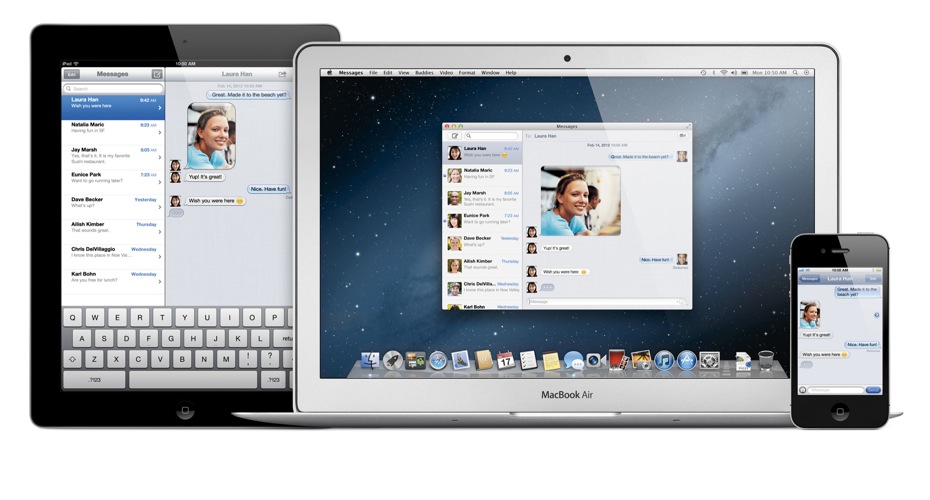
iMessages is an awesome free texting service from Apple that lets you send unlimited messages back and forth with anyone on iPad, iPhone, iPod touch, or a Mac running Mountain Lion. It even lets you send photos, videos,

read on wayback →
Sync your iOS device with iTunes over Wi-Fi

Sync your iOS device with iTunes over Wi-Fi

One of the worst things about syncing an iOS device was that it had to be plugged in to your computer by USB. Not anymore. Now, if your computer and iOS device are both connected to the same Wi-Fi network, you can sync a

read on wayback →
Enable emoticons in iPad, iPhone and iPod

Enable emoticons in iPad, iPhone and iPod

Ever wanted to add emoticons to your text messages or emails instead of a simple text happy face? There is a simple method for enabling this in your iOS device, and the best part is you don’t even have to download or ins

read on wayback →
Flicks Golf – Addictive & Challenging

Flicks Golf – Addictive & Challenging

Flick Golf is unique and so challenging it’s hard to put down. The real question is – Can you Master it?

read on wayback →

quick tips articles

15 short fixes — calendar tweaks, Safari tricks, Siri settings, and one-step solutions

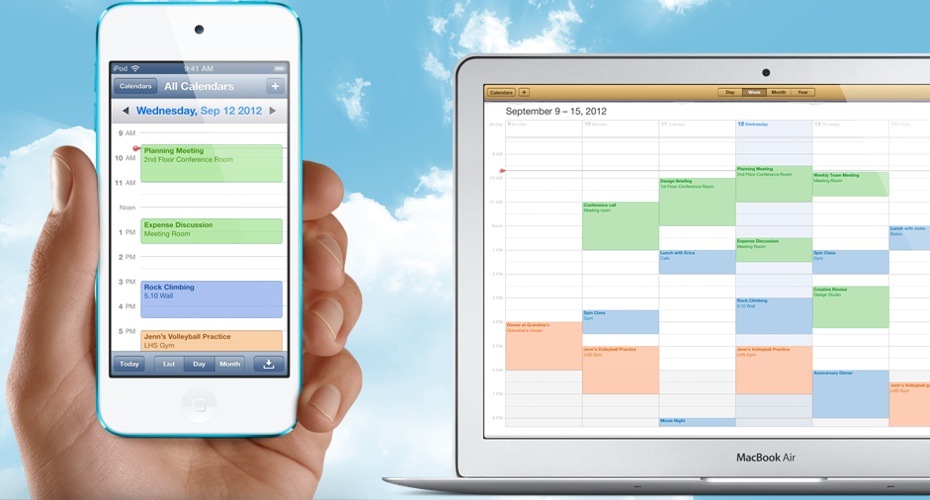
How to Change the First Day of the Week on your Calendar

How to Change the First Day of the Week on your Calendar

Why does the week start on Sunday instead of Monday? Personally, I’ve always preferred my week to start on a Monday instead of Sunday as it just made more sense to me. I work Monday to Friday, and the last two days are m

read on wayback →
New to Mac? How to Find the Best Windows Alternative Software

New to Mac? How to Find the Best Windows Alternative Software

When I first switched to Mac, I wasn’t sure which applications would be best suited to replace my Windows programs. Most of the programs that I used on my Windows PC didn’t have a Mac version and this led to trying to fi

read on wayback →
How to Customize the Color and Names of Tags in Finder

How to Customize the Color and Names of Tags in Finder

Tags was a feature added to Finder in Mavericks, and when used properly it’s a great way to trying to keep all your content organized and easy to find. The problem however, is that the tags themselves are not organized.

read on wayback →
How to Disable Apple TV Infrared Remote on Mac OS X

How to Disable Apple TV Infrared Remote on Mac OS X

The Apple TV remote uses infrared to control the Apple TV. However it’s not just the Apple TV that can receive infrared, your Mac can also be controlled by the infrared controller. When I first found out about this, I th

read on wayback →
Hide Contact Photos from Favorites in the iPhone Phone app

Hide Contact Photos from Favorites in the iPhone Phone app

In iOS 7 the Favorites section in the Phone app shows a contact picture alongside the contact. If you don’t have a preset picture for the contact it will display a circle with the initials of the contacts name.

read on wayback →
How to Search text in Safari on iOS 7

How to Search text in Safari on iOS 7

When I first got my hands on iOS 7, I was a little worried and confused. I thought Apple had removed the ability to search in Safari on iOS 7. With the release of iOS 7, the function of searching in Safari on an iPad, iP

read on wayback →
Record Mac OS X Screen with QuickTime

Record Mac OS X Screen with QuickTime

QuickTime is video player that comes pre-installed on Mac OS X. Beyond just playing videos, it can also be used to record the screen. QuickTime isn’t really a professionals choice as its editing ability is somewhat limit

read on wayback →
Change Default Opening Application per File Extension

Change Default Opening Application per File Extension

Changing the default applications that opens when opening a file in Mac OS X is a definite must know, and can save you time as well as a headache.

read on wayback →
How to Import Holidays to Calendar on iPhone, iPad and Mac

How to Import Holidays to Calendar on iPhone, iPad and Mac

Surprisingly there is no simple switch to flick on your iOS device or Mac that auto-adds holidays to the Calendar app. That however doesn’t mean that there isn’t a free and simple solution.

read on wayback →
How to Customize Toolbars in Mac OS X apps

How to Customize Toolbars in Mac OS X apps

The toolbar in most apps are where all those handy icons are located for easy and quick access. If you haven’t yet taken the chance to check into what the toolbar options are, you could be surprised at how much more acce

read on wayback →
How to Smoothly Zoom In & Out on Mac OS X

How to Smoothly Zoom In & Out on Mac OS X

Zooming in and zooming out on my Mac is a feature I could not live without. Most people know that you can zoom in on content in Safari by double tapping on the Magic Mouse or Trackpad. This zooming feature however lets y

read on wayback →
Use Phone Number in iMessages Instead of Email Address

Use Phone Number in iMessages Instead of Email Address

iMessages is the free text messages service from Apple, it allows you to use your email address or your phone number to send text messages. The problem is it can sometimes be troublesome to get your phone number to trans

read on wayback →
How to Remove Duplicate Copies from iTunes

How to Remove Duplicate Copies from iTunes

Having multiple copies of music, movies, TV shows and other media in your iTunes library can quickly take up a bunch of space. It’s actually very easy to get duplicate copies. They sneak into the library and you rarely e

read on wayback →
How to Block Calls, Messages & FaceTime on iPhone

How to Block Calls, Messages & FaceTime on iPhone

A question I see every now and then is how to block phones calls, text messages and FaceTime on an iPhone. In iOS 6 and earlier blocking calls was only possible with a jailbroken iPhone, but no longer do you need a jailb

read on wayback →
How to Change the default Voice of Siri

How to Change the default Voice of Siri

Siri is the voice command unit that is built into your iPod, iPhone and iPad. It can answer your questions, setup reminders, show you what movies and playing in the theatres nearby and even text people for you, among oth

read on wayback →

topic highlights

Categories and themes across 112 archived posts (2012–2014)

category

Mac

Finder, Mavericks installs, Time Machine, Boot Camp, Automator, and third-party Mac app reviews.

category

iPhone

Jailbreak guides, cellular data tools, iOS 6/7 updates, contacts, and Phone app settings.

category

iPad & iPod

Shared iOS tutorials — emulators, AirPlay, syncing media, and device-specific walkthroughs.

category

Quick Tips

Short, focused fixes — calendar settings, Safari search, notification sounds, and Siri tweaks.

theme

Jailbreak & Emulation

iOS 6 and iOS 7 jailbreak coverage plus GameBoy Advance emulation — among the highest-traffic posts.

theme

Apple TV & iTunes

Home Sharing, AirPlay, iFlicks conversion, HandBrake rips, and media library management.

theme

OS X Mavericks

USB install guides via Terminal, DiskMaker X, and Disk Utility — a heavily linked tutorial series.

theme

iCloud & Backup

Clearing iCloud space, organizing contacts, Time Machine backups, and keeping devices in sync.